AI Roleplay Alternatives: Best AI for Worldbuilding
Kierra V. · · 9 min read
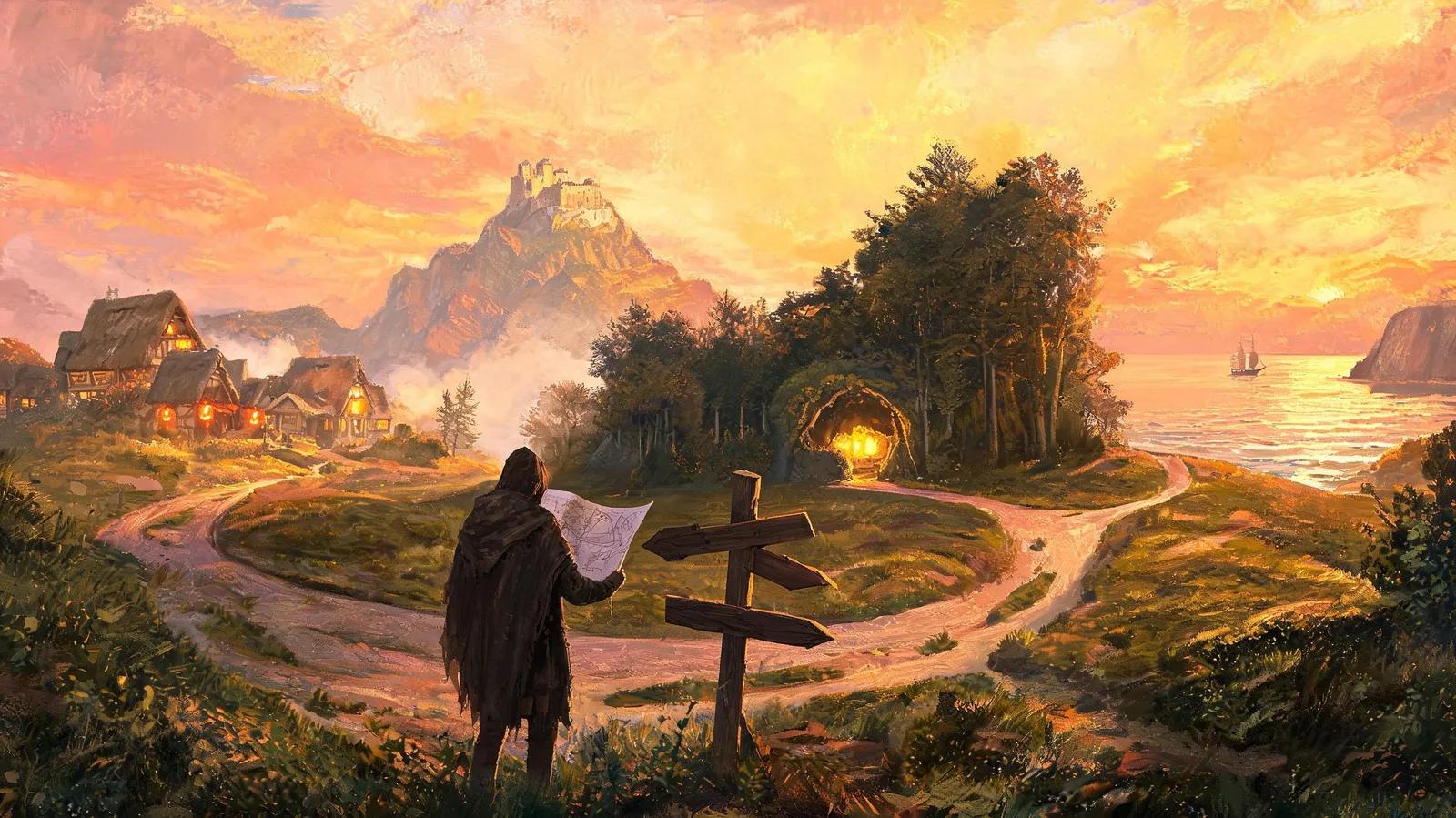
For a lot of writers, the characters are the world. Every platform I encounter, I ask: Where is my character? Where are my characters going? How much control do I get? What kind of world do I get to build for them? What's the limit?
These are the AI roleplay alternatives we picked in comparison to RPBuddy:
Loreweaver
Friends & Fables
Voyage
NovelAI
Each one brings something different to worldbuilding, including the control you have while you play.
Where is my character?
Friends & Fables and Voyage use coordinate maps, and hands down, that helps the model track where characters are in relation to each other. The biggest problem for a model isn't just knowing where locations are. It's knowing where NPCs are in relation to those locations, and an X/Y system really helps.
Friends & Fables
Draw areas on a coordinate map, with a distance ruler
Each area holds descriptions, images, factions, and monster spawns
Voyage
Place regions by X/Y coordinates
A guided AI world builder helps you along the way
RPBuddy
We give you a full map: a hex world you build on. Each hex is 800 meters across, and the grid is handled for you.
Build: place as many buildings as you want, plus roads, rivers, stamps, and trees, then walk in and play
Shape: make freeform buildings, and pick the roof and color
Go inside: add rooms and floors, up to three levels deep, with up to 100 rooms per location
Go underground: want a cavern to explore? Make a hole in the ground with a landmark stamp, then build it down three levels, up to the 100-room limit, writing what's on each level as you go down
(The hex map, Buildings and rooms)
What kind of world do I get to build?
On RPBuddy, as small or as big as you want.
On other platforms
Every platform here builds differently, from how characters are made to whether they even talk about context windows, so it's worth checking each one out
As far as I could tell, you can build as big as you want anywhere. The limit comes down to context windows and injection points, and each platform handles those differently, along with unlimited chats and which models you can use
Loreweaver spells out what each tier gets you, per model
Friends & Fables lays out exactly what each tier includes
Pricing for every platform is linked at the bottom
On RPBuddy
Start small: two people in a town. Place a building, fill it with our AI generator or by hand (up to 2,000 characters per location, plus an image you can keep or discard), and start chatting
Grow big: some community worlds span up to 20 hexes and become kingdoms. Others are a single hex, fully fleshed out, like my Alaskan world
Watch it move: NPCs travel across the map
Set the mood: Voyage has music too, and so do we. Pick music for the map, a location, or a room. A relaxing moment can feel like sitting on the couch with a friend; a tense one, like you're about to break up with your other half
See what people are building
Discord: our worldbuilding chat and the Builders Guild forum
Reddit: World of the Month, plus creators sharing progress
Our community has shaped buildings into mountain ranges, a pyramid, even a ship on open water
How much control do I get?
As we found with several platforms, some let you write the rules yourself, and some let the world run on its own.
Loreweaver: you write the rules
Loom engine: "when this happens, then this will happen"
Free to experiment: unlimited character cards and Loom rules on the free tier
Test without the model: check your rules without running the RP
Steer the scene: weather injections, character injections, moving characters to a location, which activates the linked card and changes the scenario
Pick your plan: review every tier and its models against how your world looks
Friends & Fables: built for D&D
Tracks it all: stats, spellbook (the spells you can use right now), progression, XP, health and magic
Inventory: down to what you're wearing, its cost and its weight
Lock it in: lock magic, attack and spell tiers so the AI doesn't jump you ahead
RPBuddy: the world tells the story
Gossip travels: with or without you. A friend you just met could already be talking about you across town
Enemies: if a conversation turns violent with someone capable of fighting, like a soldier or a police officer, it can turn into an actual fight
Your pace: there are a lot of ways to take the story, and our NPCs take it with you, or for you
No context window to manage: as Jacob, our founder, puts it: "The context window is managed with highlighted moments, a detailed summary with key quotes from each involved character, tracking of current location, mood, and other various aspects of the conversation. However, when a conversation ends, the memories are generated from the whole uncompressed transcript rather than a high level summary." (NPC daily life, Combat)
How much control do I have over who writes my turn?
Why it happens
The models know how to write. The problem is controlling the output of how they write
Models are trained heavily on narration: AO3, fanfiction.net, Wattpad, published books and stories
In narration, the author writes for everybody. Ask for a narrator, and you've asked for an author
The model doesn't know the difference, so the token weight loads what author writing looks like
That's why you get user bleed, even though you told the model not to. The pattern sits inside it
Narration doesn't spend time grounding a location, so the model has no pattern for what enough looks like. Script writing is about the only example it has
Voyage: tagged voices, skill checks
Speaker tags: each NPC, including the user, gets their own dialogue tags
Delivery tags: the voice gets tagged too ("firmly," "muffled"), so tokens go to dialogue instead of mood
Narration marked: it clearly names where the narration starts, allowing less bleed
Skill checks: when you pick an action, it rolls one (like "Investigation · Easy"), and after a skill check, the narration carries your character through the result
Friends & Fables: a face for every voice
Every NPC's name and face sit beside their dialogue
Less confusion about who spoke when, and what was narration
Both are a step in the right direction for proper RP.
RPBuddy: action, dialogue, narration
Action: every NPC gets their own tagged action
Dialogue: every NPC gets their own tagged dialogue
Narration: works like a camera. It takes actual location information and restates it in the chat so the chat stays grounded. Mood boards aren't considered
True to the NPCs: no narrator deciding how everybody feels, including how the room feels toward a specific character. You get to decide if any of those changes happen
Your character is yours: AI helps you build, not play your character
Ground it, and the model uses it
The more you ground a location, the more the model will use it. In my own world, I ground every location in spatial awareness
Build it in: when I write a dirty mat on the floor right by the front door, the model uses that as camera detail and fills it in
Add it live: look over at the wall and say you see a rack of bottles lined up in mosaic colors, and the model will use that to ground your location
See it: my world is public, so anyone is welcome to preview it and look through the buildings: Alaskan Trails. (How conversations work)
AI suggestions, or none
Voyage, Loreweaver, Friends & Fables and NovelAI all offer AI action suggestions, and it's nice to sit back and let them guide you
We chose a different path: the more you add, the more the NPCs reflect off you, because we focus on behavior
Mistakes welcome: people get into arguments, disagree, say something they didn't mean. We had more fun when players typed and made mistakes along the way
Take it back: if you don't like how a day went, you can rewind it, edit memories, or rewrite an NPC's history with you
NPCs are treated as real in this world, and so are your responses. Nothing is perfect, and that's the point. We didn't want perfect. We didn't want yes-men. We wanted characters that argue, feel betrayed, fight, cry, lose their lives, and learn and grow with you along the way. A friend who lies and is kind to your face. A lover who cheats and keeps it a secret. A lover who doesn't know if they can forgive you for cheating. We wanted each NPC to remember, to react, and to keep the world alive realistically, and we had more fun doing it along the way.
No character? Spectate
Drop into any location, direct the scene, and be a game master all on your own
The NPCs carry it out and remember it. (Spectator mode)
What if I just want to write? Build a world and not worry about locations and buildings?
RPBuddy gets that, and so does NovelAI.
NovelAI: writing with the AI
Story first: NovelAI focuses on writing a story with the AI rather than character-to-character conversation
Fine controls: repetition penalty, top-k, output length, logit bias, stop sequences, and avoid overused words
Visible context window: you can see exactly what the model is working with, a level of control close to SillyTavern
Your model, your world: choose a model, build your world, and save memories as you write
RPBuddy: story through relationships
Built around NPCs: RPBuddy focuses on NPC-to-NPC play, and the story grows out of it
Memories and gossip: every NPC keeps their own memories, gossip spreads, and threads track it all as you go
Story Moments: random interactions can spark into something bigger
Build as big or as small as you want
Go deep: even a world with two NPCs can go deep, with no cap on locations or hexes
Start in a room: put your NPC in a room, enter it, and let the world grow from there
Skip the buildings: fill your world with stamps, trees, and landmarks: a jungle, a forest, caves you can dig into as you go
Can I import or export my world?
Building a world is a lot of work, so this matters. Several platforms let you import or export your world, and so does RPBuddy.
Export your world
What you get: a Markdown file of your world: lore, NPC profiles, factions, enemies, locations with their floors and rooms, and lorebook fields
Where: Atlas → Settings → Export world. Copy it or save it
What stays behind: chats, map placement, and Player Backstory and Travel Schedule. Keep copies of those separately (Export world)
Import your lorebooks
Lorebooks from SillyTavern, NovelAI, or any Character Card V2 file import straight in
Bring your characters
From any assistant: ChatGPT, Claude, or Gemini
How it works: copy RPBuddy's prompt, or get the skill. The assistant fills out your character in exactly the format RPBuddy needs, and you paste it back in (Importing NPCs)
What's the limit?
Monthly prices as listed on Nov 2, 2026. Some platforms cap messages on lower tiers, so check each plan.
RPBuddy: free, $10, $20, $50 (plans)
Loreweaver: free, $7.99, $14.99, $24.99, $49.99 (plans)
Friends & Fables: free, $19.95, $29.95, $39.95 (pricing)
Voyage: free, $14.99, $29.99, $49.99, $99.99 (voyage.io)
NovelAI: free trial, $10, $15, $25 (novelai.net)
And finally…
The world is yours to create as you want. The NPCs are there for any relationship you want to explore, and every story is yours to tell. Picking the platform that best helps your world come to life is the first step in seeing it, playing it, and living in it.